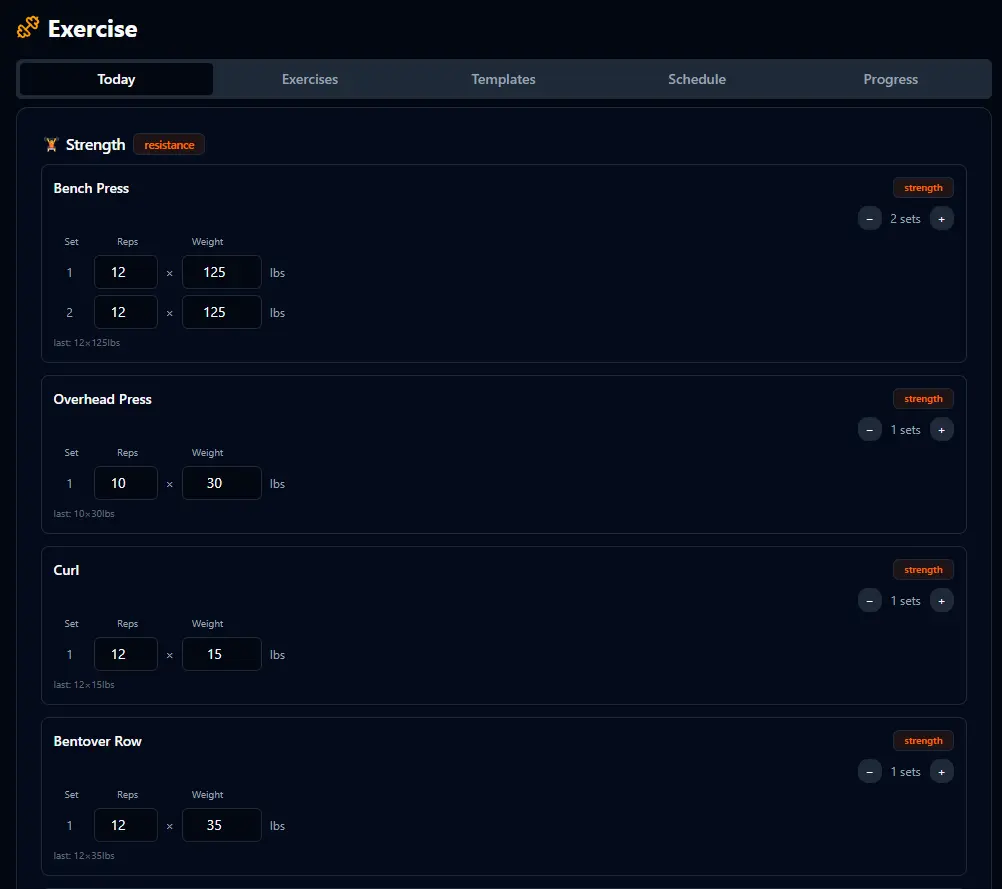
Open the app. Your workout is waiting.
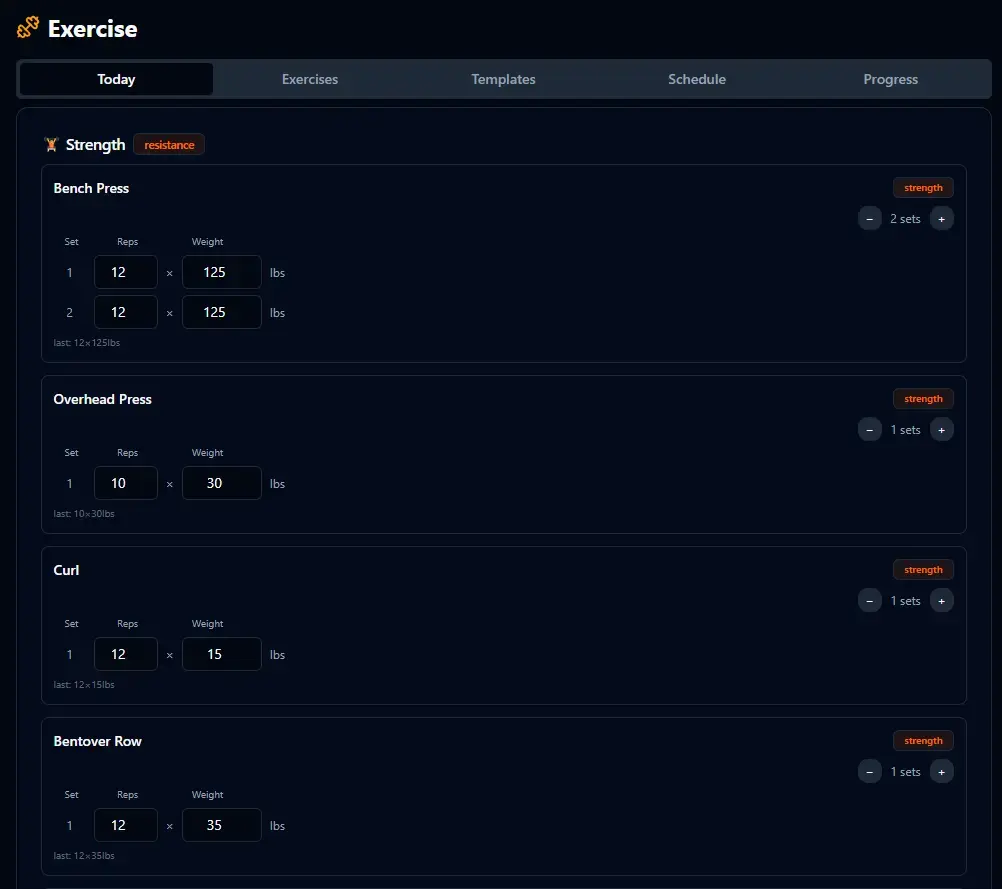
BitHustle figures out what you should be doing today based on your schedule and what you've completed recently. When you open the Exercise page, today's workout is already loaded with your exercises, sets, reps, and last-used weights. Just fill in the numbers and go. No planning required — the system already did it.
Your exercises. Your categories.
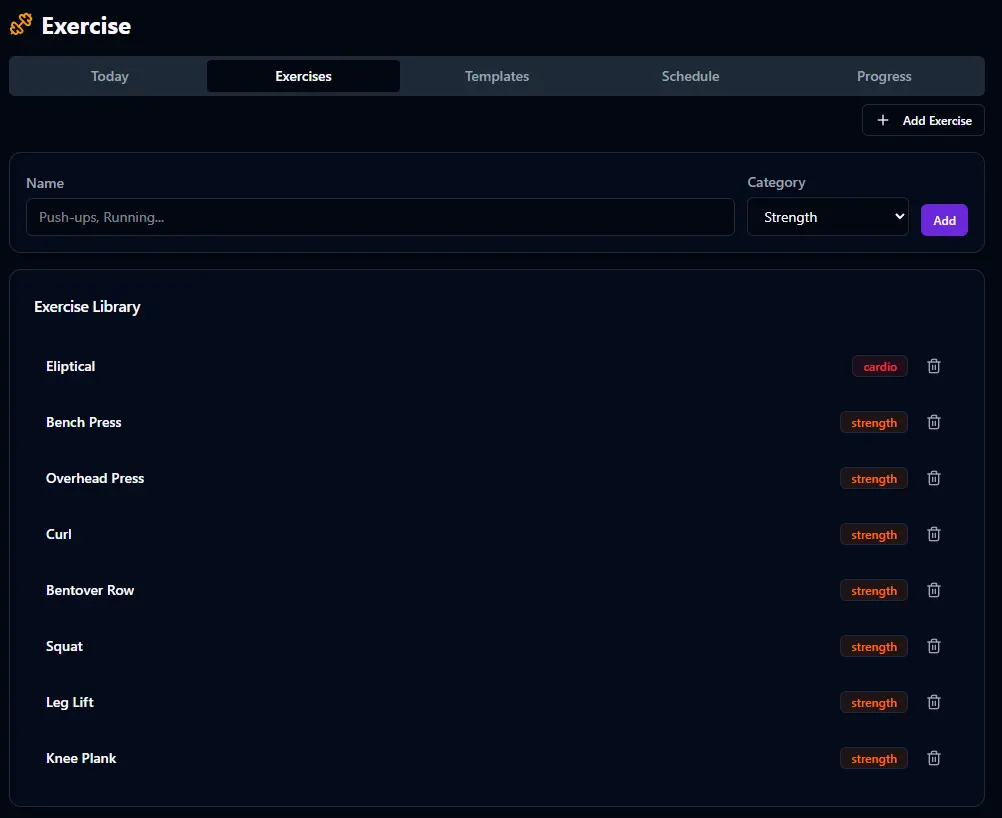
Start by adding the exercises you actually do. Name them, assign a category — strength, cardio, or whatever fits. This is your personal exercise library. Everything you build here becomes available when you create workout templates.
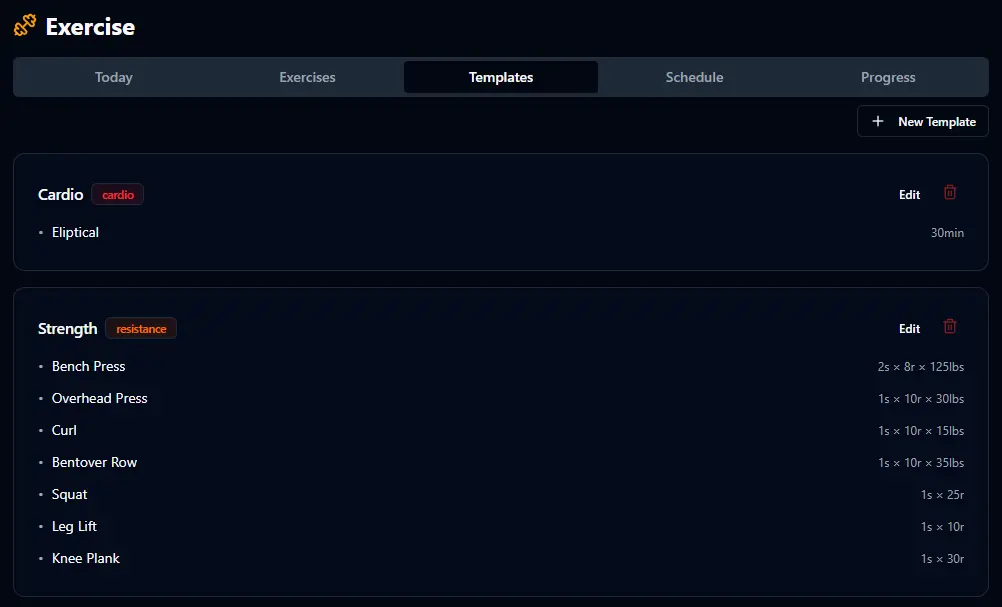
Design your workouts once.
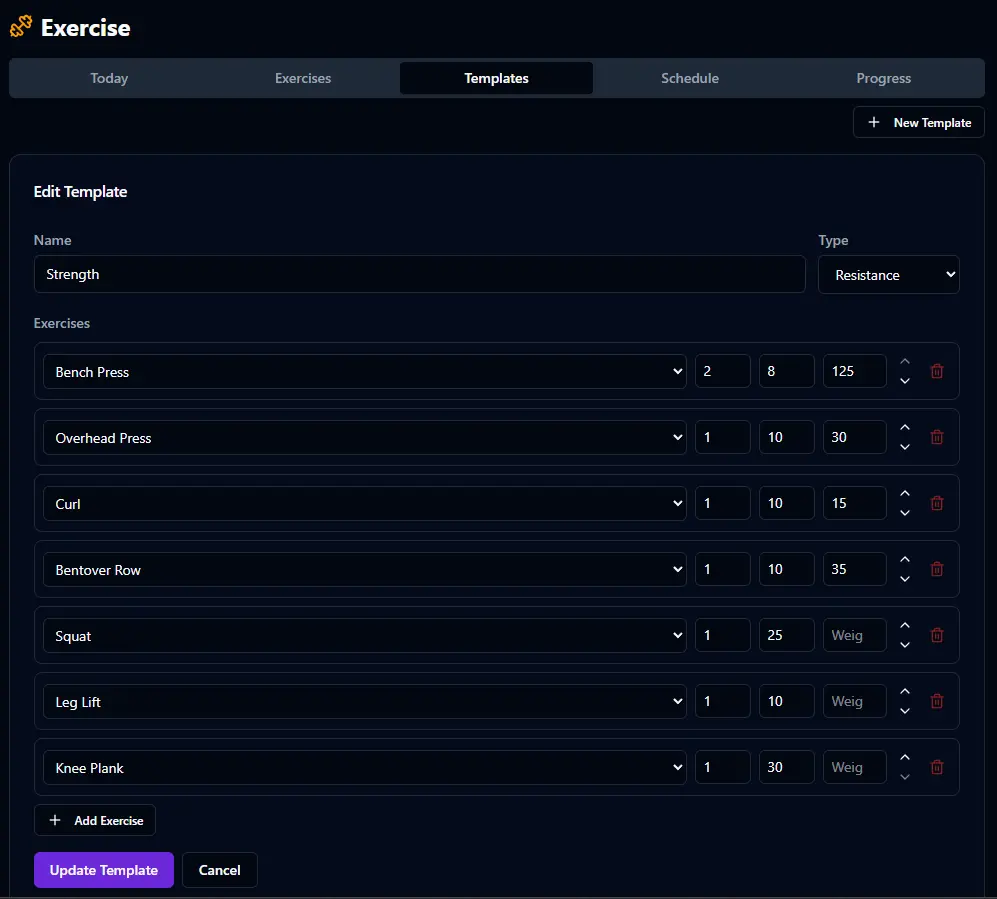
Templates are your workout blueprints. Create a "Strength" template with Bench Press, Overhead Press, Curls, Rows, Squats — set the default sets, reps, and weight for each. Create a "Cardio" template with your elliptical routine. Build as many as you need. When it's time to work out, BitHustle loads the right template automatically based on your schedule.
Three modes. Your pace.
BitHustle is built around figuring out what you should be doing on any given day — without you having to plan it yourself. Exercise scheduling is where this philosophy really shines. Three modes let you choose how your workouts adapt to real life.
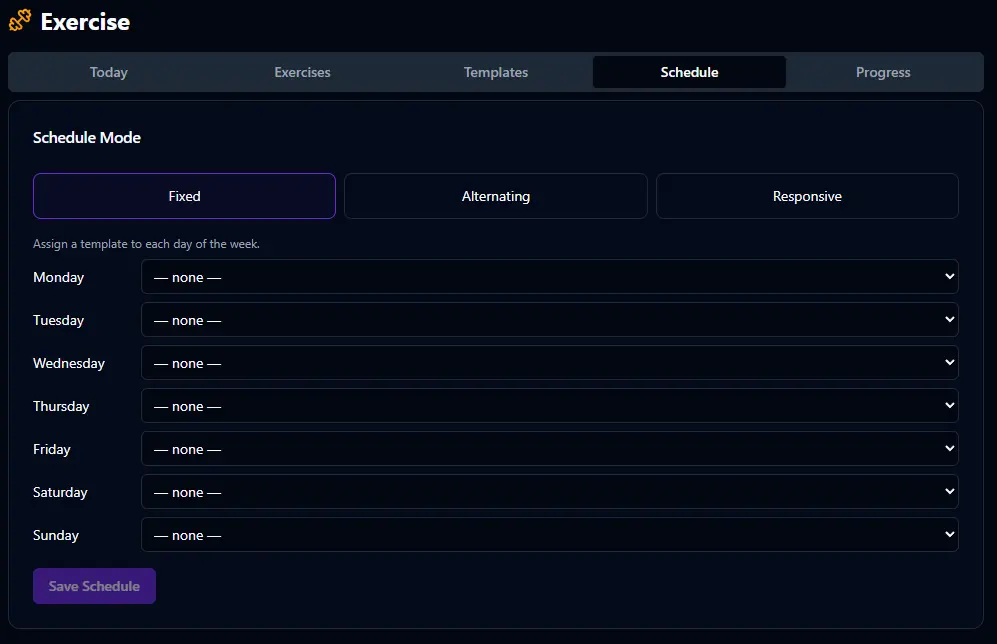
📅 Fixed
Assign a specific workout template to each day of the week. Monday is always Strength, Wednesday is always Cardio. If you miss a day, it doesn't matter — your next workout is whatever's assigned to that day. Simple and predictable.
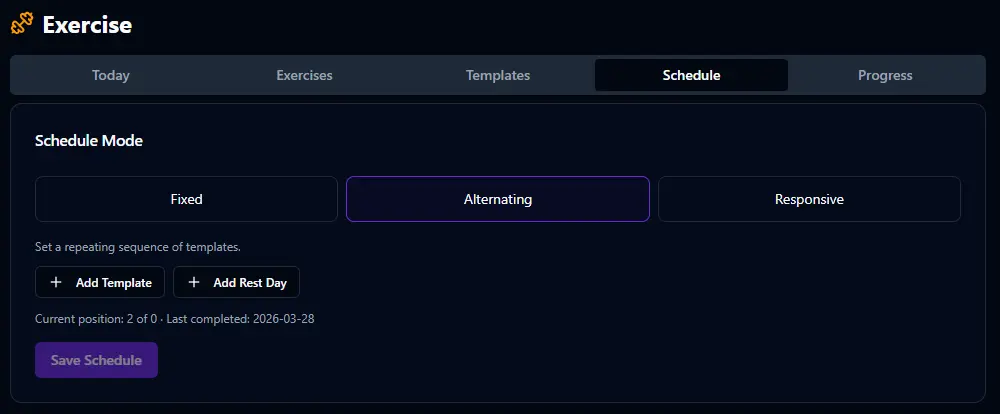
🔄 Alternating
Set a repeating sequence of templates. Cardio, Strength, Rest, repeat. Your next workout is always based on whatever you completed last — you're always advancing to the next one in the sequence regardless of what day it is.
⚡ Responsive Smart
Assign priority levels to each template. If Cardio is "High" and Strength is "Normal," the scheduler always plans Cardio first. Complete it, and tomorrow is Strength. Miss a workout? The scheduler puts the high-priority workout back on the board. Your most important workout never gets skipped twice.
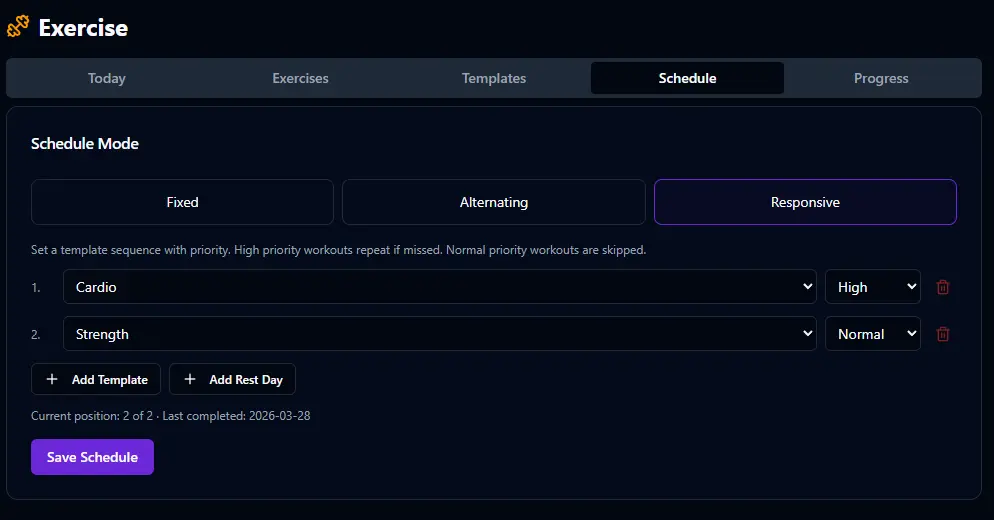
Life gets in the way. You miss a day. Most apps just move on to the next scheduled workout, which means your most important training can slip for a week. Responsive mode ensures that the workout that matters most to you is always the next one up after a missed day. You set the priority once. The scheduler handles the rest.
See how far you've come.
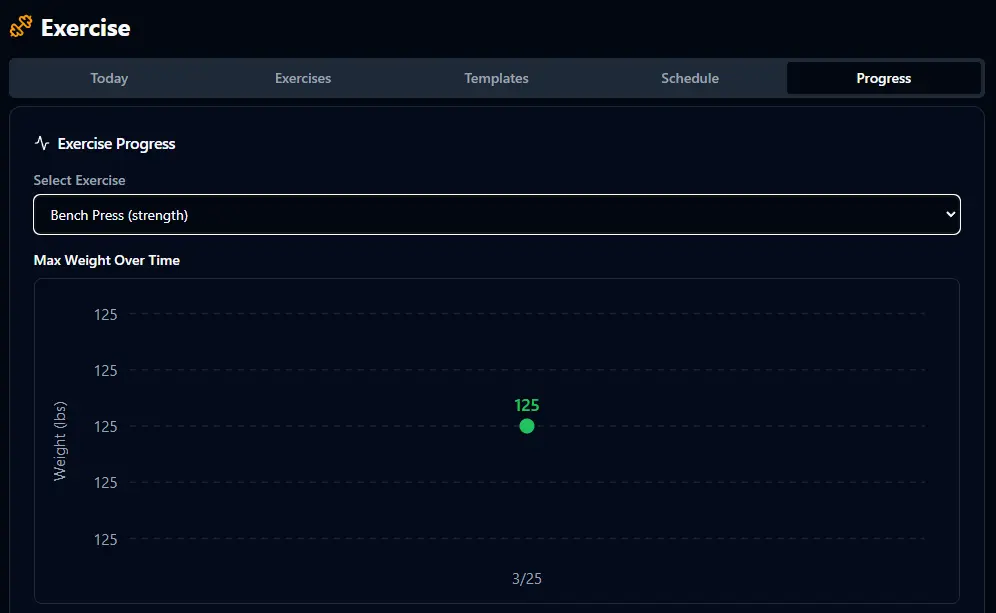
Select any exercise and see your max weight over time. The progress chart makes trends visible — whether you're steadily increasing your bench press or plateauing on curls. This is where the data pays off. You're not just logging workouts. You're building a record of getting stronger.
Today's workout, front and center.
The Exercise dashboard card shows you what's scheduled for today based on your chosen schedule mode. You can jump straight into your workout from the dashboard, and when you complete it, the points roll into your daily score. Skip it and the penalty hits at midnight.
Exercise tracking starts turned off. Tell Bit "I want to track my workouts" and it enables the feature with sensible defaults. Or turn it on in Settings and configure the scoring weight, dashboard visibility, and schedule mode yourself.