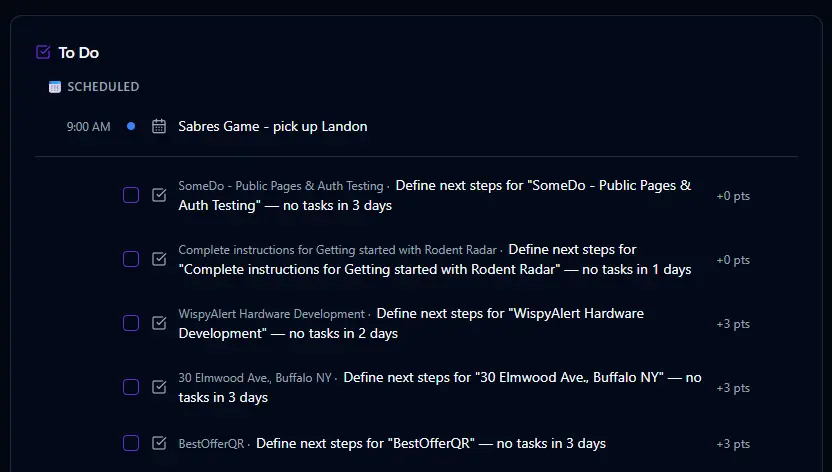
Everything in one view.
The Tasks page gives you a complete picture of your work. Today's tasks are front and center, but you can also see what's coming up, what's overdue, what you've completed, and your recurring templates — all in one place. No switching tabs, no digging through menus.
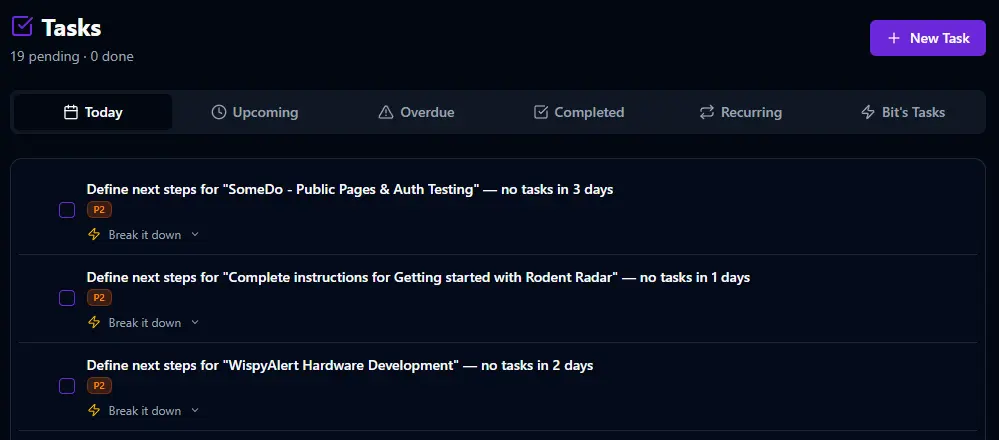
Two dates. One big difference.
Every task in BitHustle has a visible date and a due date. "By Wednesday" means it's due then, but it shows up on your list today so you can plan ahead. You set the good points you'll earn for completing it and the bad points you'll lose for skipping it. Link it to a project, assign it to a domain, set the priority, estimate the time — or just type a title and go.
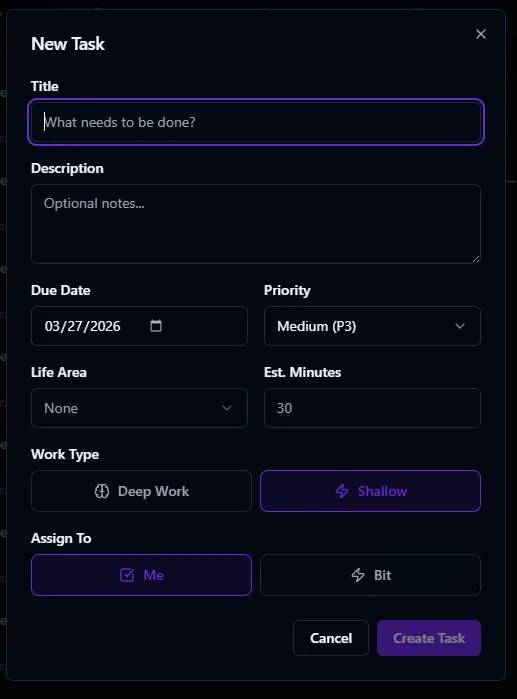

You don't need a form at all. Say "Add a task to call the plumber by Thursday, 5 points" and Bit creates it instantly. Bit can also complete tasks, discard them, or assign them to itself to do the work for you.
Set it once. It shows up forever.
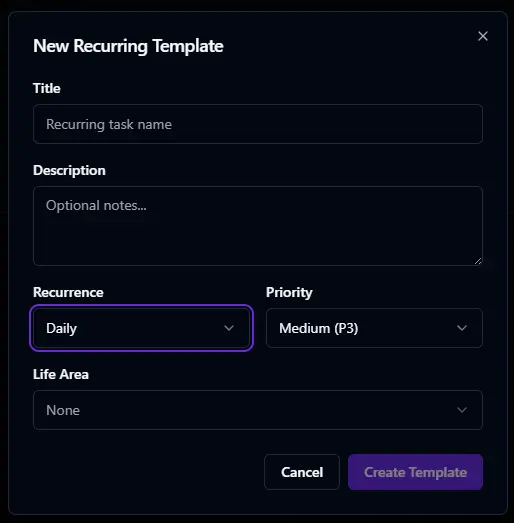
Recurring templates automatically generate tasks on your chosen schedule — daily, weekdays only, weekly, biweekly, monthly, or yearly. Pick specific days for weekly recurrence. Each generated task inherits the template's points and settings, and Bit handles the scheduling so you never have to remember to add it again.
Turn it on. Make it yours.
Like every feature in BitHustle, you control whether Tasks are enabled, scored, and visible on your dashboard. Tasks are the only feature that's on by default — because everyone needs a to-do list. You can adjust the scoring weight to reflect how much tasks should influence your daily number. If productivity is your focus, crank it up. If health matters more right now, dial it back.

Don't want to dig into settings? Just tell Bit what you need. "I want to start tracking my tasks" and Bit enables it with sensible defaults. You can fine-tune later in Settings, or not at all — the defaults work.
Check it off. Watch your score move.
Every day, your open tasks appear on the dashboard with checkboxes. Check one off and the points add to your daily score in real time. Skip one and the penalty hits at midnight when Bit closes out your day. Incomplete tasks automatically roll over to tomorrow — you don't lose track, but the score remembers.